
Top AI Agents You Can Deploy Today
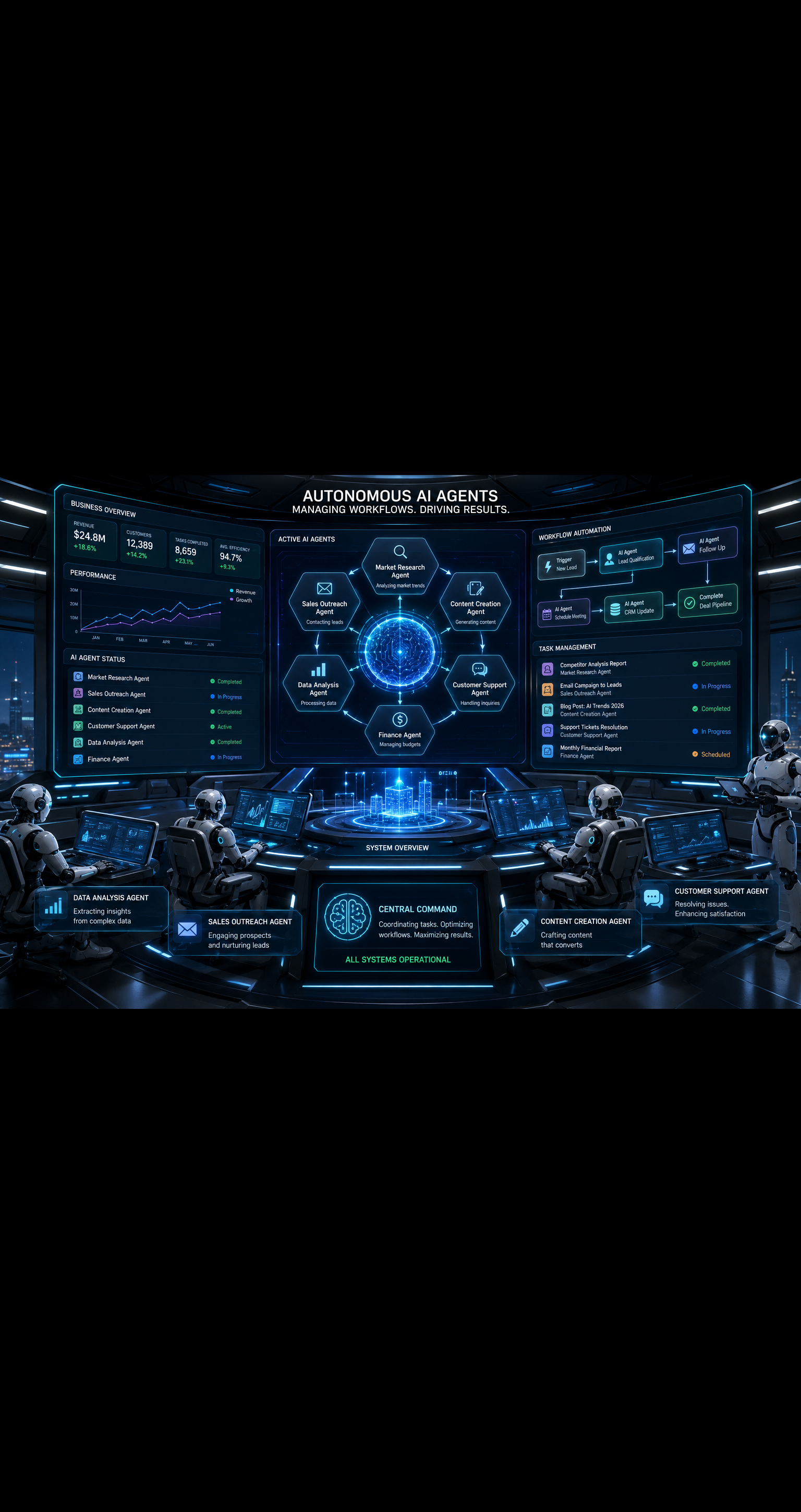
AI agents are no longer a futuristic concept. They are live, deployable, and already transforming how businesses operate. If you are still manually handling repetitive tasks like email follow-ups, lead research, customer support, or content scheduling, you are leaving serious time and money on the table.
This guide covers the top AI agents you can deploy today, what they actually do, and how to match the right one to your business needs.
What Are AI Agents and Why Do They Matter?
Before diving into the list, let us be clear on what separates an AI agent from a regular AI chatbot.
A chatbot responds to prompts. An AI agent takes action.
AI agents can browse the web, write and send emails, fill out forms, trigger workflows, analyze data, and complete multi-step tasks with minimal human input. They operate inside tools you already use, or as standalone systems that plug into your stack.
For business owners, freelancers, and teams trying to scale, this is a game changer. You get the output of a full-time employee at a fraction of the cost, running 24/7 without burnout.
Top AI Agents You Can Deploy Today
1. AutoGPT
AutoGPT was one of the first open-source AI agents to go viral, and for good reason. It can break a goal into sub-tasks, search the web, write code, manage files, and execute actions in a loop until the task is complete.
Best for: Developers, technical founders, and anyone comfortable with a self-hosted setup.
Key capabilities:
- Autonomous goal completion
- Web browsing and research
- File creation and code execution
- Plugin integrations
AutoGPT requires some technical setup, but the community around it is massive. If you want full control over your AI agent without paying per seat, this is a strong starting point.
2. AgentGPT
If AutoGPT feels too technical, AgentGPT offers a browser-based interface where you simply describe a goal and watch the agent work toward it in real time.
Best for: Non-technical users, solopreneurs, and marketers experimenting with autonomous AI.
You can deploy an agent to research competitors, draft a marketing strategy, outline a content calendar, or summarize industry news without writing a single line of code. The free tier gives you enough to test it seriously before committing to a paid plan.
3. Relevance AI
Relevance AI is one of the most business-ready AI agent platforms available right now. It lets you build and deploy custom AI agents that integrate with your CRM, support desk, sales pipeline, and more.
Best for: Sales teams, customer success managers, and operations leads.
Standout features:
- No-code agent builder
- Pre-built templates for sales, support, and research
- API and Zapier integrations
- Multi-agent workflows
Relevance AI is particularly powerful for outbound sales teams. You can build an agent that researches a lead, writes a personalized cold email, and logs the activity in your CRM automatically. That is a full SDR workflow running on autopilot.
4. CrewAI
CrewAI is designed around the idea of multi-agent collaboration. Instead of one agent trying to do everything, you assign specialized roles to different agents and let them work together like a team.
Best for: Complex workflows that require research, writing, review, and execution in sequence.
For example, you could set up a crew with a researcher agent, a writer agent, and an editor agent. The researcher pulls information, the writer drafts the content, and the editor refines it. The output quality is noticeably better than using a single agent for everything.
CrewAI is open-source and integrates with most major LLMs, including GPT-4 and Claude.
5. Microsoft Copilot Agents
If your business runs on Microsoft 365, Copilot Agents are the most seamless option available. These agents live inside Teams, Outlook, SharePoint, and other Microsoft tools you already use daily.
Best for: Enterprise teams, corporate employees, and businesses on the Microsoft ecosystem.
What they can do:
- Summarize long email threads and meetings
- Draft replies and documents from context
- Pull data from SharePoint and analyze it
- Automate approval workflows in Teams
Microsoft has been aggressively expanding Copilot capabilities throughout 2025 and 2026. If you are paying for a Microsoft 365 Business plan, you may already have access to these agents without realizing it.
6. Zapier AI Agents (Central)
Zapier has been the backbone of no-code automation for years, and their AI agent layer, called Zapier Central, takes that to the next level. You can create agents that respond to triggers across thousands of apps and take real actions based on what they find.
Best for: Operations teams, small business owners, and anyone already using Zapier.
An example workflow: an agent monitors your inbox for customer complaints, classifies the sentiment, creates a support ticket in your helpdesk, and notifies your team in Slack. All without human involvement.
If you want to automate business workflows without writing code, Zapier AI agents are one of the most practical options on this list.
7. Lindy AI
Lindy is one of the newer AI agent platforms, but it has quickly earned a strong reputation for ease of use and real-world results. You can deploy Lindy as an AI executive assistant, sales agent, recruiter, or customer support rep.
Best for: Founders and small teams who need role-specific agents fast.
Popular use cases:
- Scheduling and calendar management
- Lead qualification and outreach
- Meeting summaries and follow-up emails
- Onboarding new customers
Lindy connects to Gmail, Slack, Notion, HubSpot, and dozens of other tools. You describe what you want the agent to do in plain English, and it handles the rest.
How to Choose the Right AI Agent for Your Workflow
With so many options, the decision comes down to four questions:
1. How technical is your team? If you have developers, AutoGPT and CrewAI give you the most flexibility. If not, stick with Lindy, AgentGPT, or Zapier.
2. What tools do you already use? Always start with agents that integrate natively. If you are on Microsoft 365, start with Copilot Agents. If you are in Zapier, start there.
3. What is the task volume? High-volume repetitive tasks like data entry, email triage, or lead research are perfect for agents. Low-volume or highly nuanced work still benefits from human oversight.
4. What is your budget? Many platforms offer free tiers. Test before you commit. AutoGPT is open-source and free to self-host. Zapier, Relevance AI, and Lindy all offer entry-level plans that cost less than a single hour of freelance work per month.
Common Mistakes to Avoid When Deploying AI Agents
Even the best AI agents fail when deployed poorly. Here are the pitfalls to watch out for:
- Starting too broad. Give your agent one specific task to master before adding complexity.
- Skipping human review. AI agents make mistakes. Always build in a review step for anything customer-facing.
- Ignoring the output quality. Check your agent's outputs weekly. Fine-tune prompts and instructions based on what you see.
- Not connecting the right tools. An agent is only as powerful as the integrations feeding it data.
The teams getting the best results treat AI agents like new hires. They onboard them carefully, give clear instructions, and improve the process over time.
The Real ROI of AI Agents in 2026
Businesses deploying AI agents are not just saving time. They are fundamentally changing their cost structure.
A well-deployed sales agent can qualify and follow up with hundreds of leads per week. A customer support agent can handle the majority of tier-one tickets without escalation. A research agent can produce competitive intelligence reports that used to take a full day in under an hour.
The compounding effect is real. Every hour your agents save is an hour your team spends on higher-value work. Over a quarter, that adds up to a measurable shift in output and revenue.
Start Small, Scale Fast
You do not need to overhaul your entire operation to benefit from AI agents. Pick one repetitive task that eats at least two hours of your week. Find the agent from this list that fits your tech stack. Deploy it, test it, and optimize it over two weeks.
Once you see it working, you will naturally find three more tasks to automate. That is how AI adoption actually happens in successful teams. It starts with one small win.
The top AI agents you can deploy today are powerful, accessible, and more affordable than ever. The only thing standing between you and a more automated business is the decision to start.
Want more insights like this? Subscribe to the AI Success Forum newsletter.